
Best online selling solutions
Product blog
IdoBooking
User update: refreshed login page form
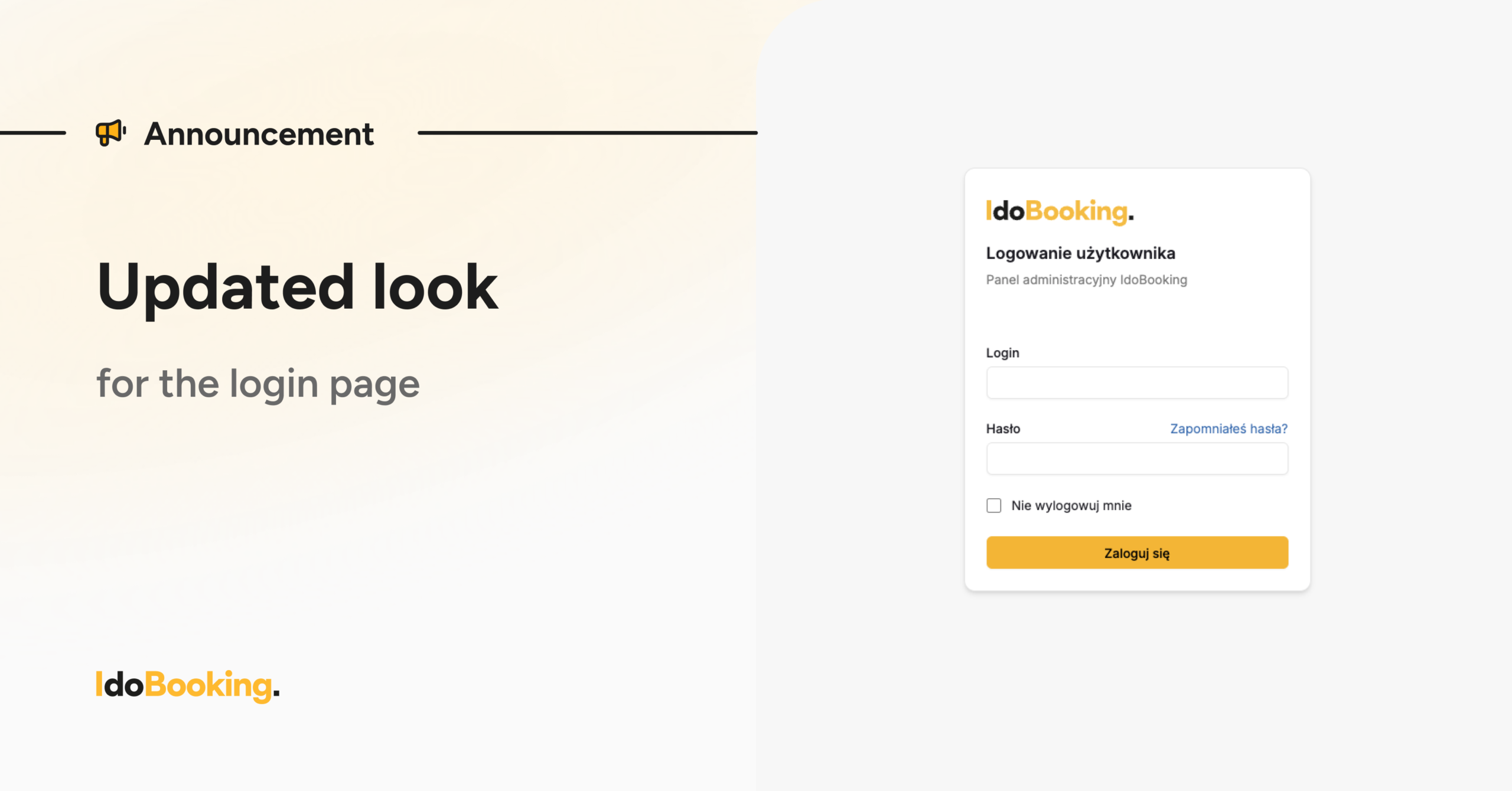
In recent days, we have refreshed the appearance of the IdoBooking login page. The change applies to the visual layer only — the login process and all access credentials remain unchanged.
|
Scope of changes
The update introduced by our team applies only to the official IdoBooking login page — your data and the way you log in remain unchanged.
How to log in to your panel?
To access your panel:
- enter your login in the first field,
- enter your password in the second field,
- optionally select “Keep me signed in”,
- click the “Log in” button.
Password reset
If you don’t remember your password:
click the “Forgot your password?” link next to the password field,
you will be redirected to the password reset form,
the next steps remain the same as before.
If you have any questions or concerns, please contact our support team